
Why I Stopped Chasing the Best Handheld (And Started Using What I Had)
These aren't the devices you've been looking for.
Howdy! This isn’t a review, a guide, or even a proper article – just an opinion. The nature of a blog site, back in the day, was exactly that – sharing an opinion with strangers, a public diary, and, quite frankly, something without much clout, as it’s just some goon spouting rubbish. Well, we have social media for that.
Fear not, though, my dear gamer, this is game-related and not clickbait. I just wanted to share an opinion on retro handhelds/playing Steam games on-the-go. As you might have seen from previous articles, I’m a noob when it comes to handhelds, but I most definitely have the itch (not the one where you need to see a doctor and make a disclosure to previous sexual partners).
As I mentioned in my last retro handheld post, I said I wouldn’t be buying an Odin 3 Portal. I haven’t caved, and am most certainly not getting one, though the Chinese New Year is posing to be a problem as AYN has a sale on and it’s just such great value. Nevertheless, often things are right under our noses without recognising it.
The Itch: Why I Wanted a Handheld Anyway
Last week I had a bundle of games to review, and they weren’t playing ball with my usual setup on either my AYN Thor or Retroid Pocket Nova. As seen in games like Sucker For Love, the touchscreen and related controls don’t work without a mouse (which defeats playing it on a handheld), and sometimes the screen is just too small, and there’s no option to play on a big screen. And, again, that’s the reason for playing on-the-go.
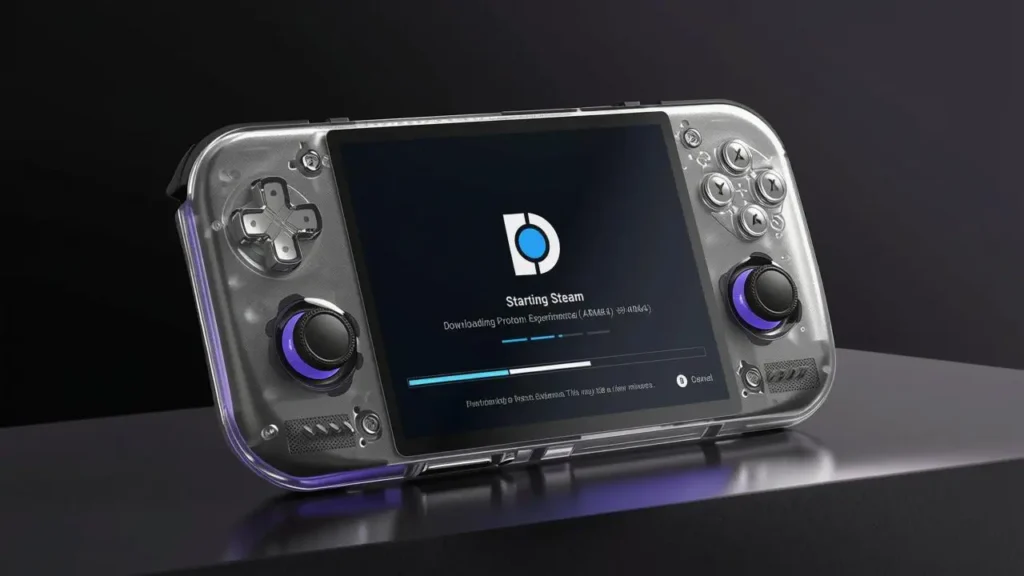
As a big point and click fan, I’m pleased to say that ScummVM games, which I own and imported from GOG, play beautifully on the Nova, and it feels a bit more complete on the Thor, but I came a bit unstuck with Heir of the Dog as it relied more on a mouse cursor than using the touchscreen. I couldn’t play on my desk, nor did I have space for my laptop, so I played it on my tablet.
The Tablet Epiphany: Right Under My Nose
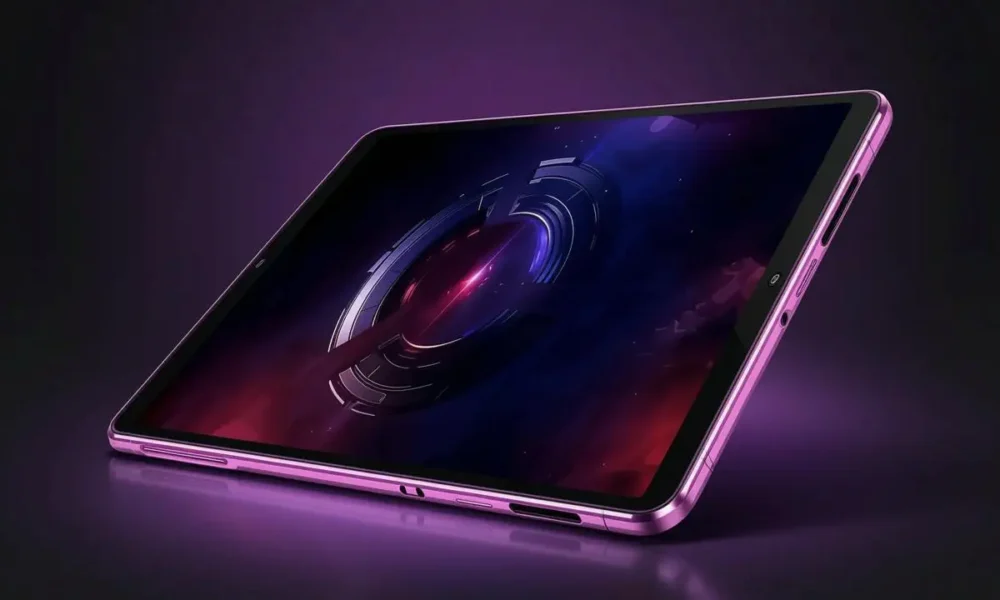
I seem to forget that originally I had planned to avoid retro handhelds by using what I already had – a Lenovo Gen 3 tablet which has a Snapdragon 8 Gen 2 in it. Propping it up on my desk and connecting a Bluetooth mouse, it worked great. I had the space to multitask; it didn’t require loads of resources, and it was just so damn convenient. So I then decided to play some similar games, using a mouse and keyboard to play Athanasia.
The point of portability is not lugging around stuff and it being lightweight. The tablet doesn’t need much space, but the keyboard was a bit annoying, so I’m currently awaiting for my case/keyboard combo to arrive. It’s not going to take the place of my gaming laptop, but it means I can do more work on-the-go, and I can write my articles on the same device.
I’d originally bought a GameSir G8 Plus to play with it. It’s pretty comfortable, the controls feel good, and I even managed to play a few PS5 games (streamed), and it was good. When it worked. For some reason, the connection drops repeatedly and then locks a game. The last time I used it was Valheim, and my Viking ended up soft-locked in a circle.

Playing with a controller works great, but then I need space to put the tablet down and get comfy. That’s when the handhelds take over and do their job. What I’m rambling about, hence the early blog post disclaimer, is that you’ve probably got access to all these games you own with one device or another, and really don’t need anything else. Or, you can have dedicated devices.
What’s In My Pocket (And On My Desk)?
This is my current setup, which may change.
- Ryzen 9 ROG Strix – for heavy lifting; exclusively Steam and productivity.
- Lenovo Gen 3 tab – Point and click games, titles that need a mouse, bigger screen estate for PS5 streaming.
- AYN Thor – Sitting at the kitchen table, most Steam titles, experimenting with frontends, new Android apps, studying, occasional web browsing, and for when I want to leave the device out without it getting damaged.
- Retroid Pocket Nova – everyday gaming. Steam, Scummvm, retro titles – Dreamcast and GameCube. I’m using this device morning and night, and occasionally during lunch breaks.
- Miyoo Mini Flip – Tetris on school runs.
- Steam Deck – in its case for the past 6 weeks without seeing any action.
I’m curious what all these YouTubers play considering their excessive amount of devices. Without a doubt, the most popular devices are the Odin 3, Thor and Nova. If you were to get only one device, I’d say get a Nova, but surprised that people aren’t talking about tablets as much. Actually, I’m more surprised about their phones.
I have a Motorola RAZR, and it’s a Snapdragon Elite. I have about half a dozen games installed via GameNative and about two Android games on rotation. Because it’s a flip phone, manically pressing the screen in the middle is a risk. Also, the GameSir can’t fit because of the case I have. In reality, I could play all these games on the phone, but what’s the likelihood?
Frontends And Steam
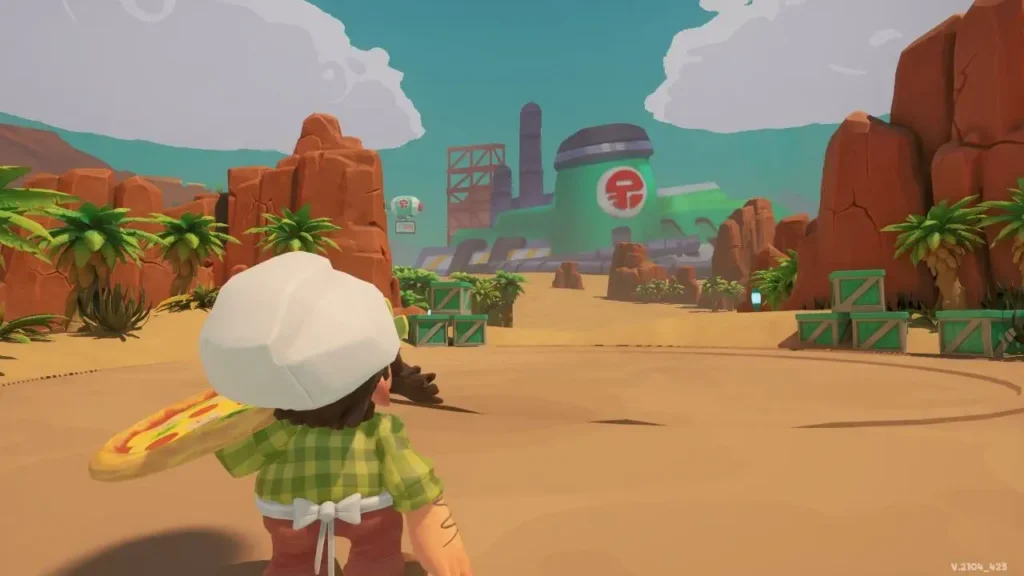
Finally, and to tread more on diary territory so I can look back at this in a few months and think how different I was back then, I am currently using two Steam apps and two frontends. For Steam, it’s DroidDeck and GameNative. DroidDeck gets updated so much; I wonder if the devs sleep. However, there are a few compatibility issues at the time of rambling – notably FMV issues and a few other things. I couldn’t get Pizzapocalypse 2 to run on it.
GameNative picks up any of the titles that don’t work and is a bit more configurable, but I prefer DroidDeck’s interface and simplicity. I don’t want to tinker with settings so much and am happy for someone else to sort that so I can play the games. I don’t dick about with Steam OS on the Steam Deck (past tense – I don’t play it), because it works beautifully. Still, both DroidDeck and GameNative are must-haves, and I recommend them.
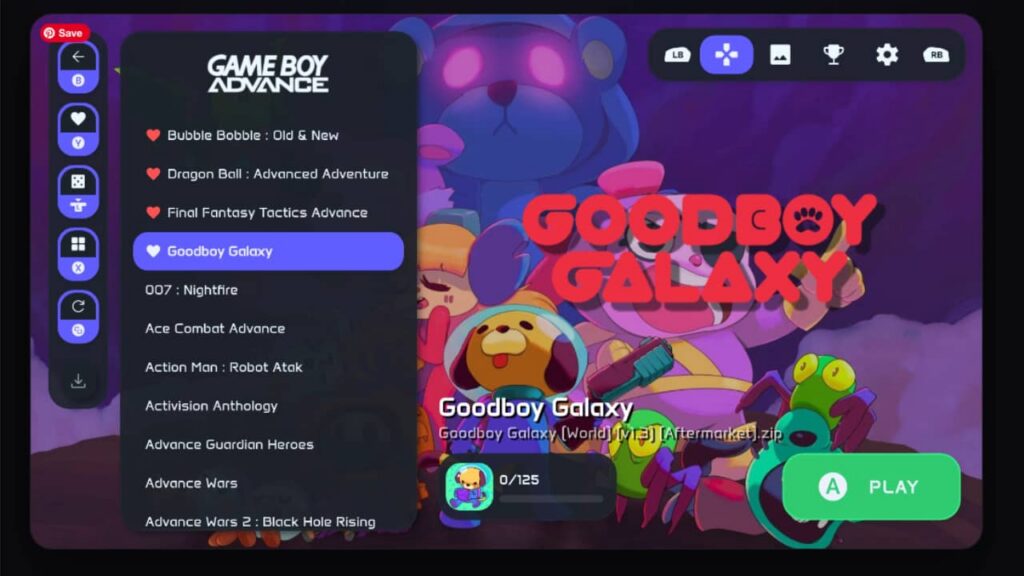
NeoStation was my undisputed frontend for the simplicity and its design, and like DroidDeck, it’s frequently updated. iisu is too much, and Cocoon is way overrated and not something I’m into. While I committed to NeoStation as my launcher for the Nova, with the frequent updates and exits from DroidDeck, navigating the screen got a bit annoying and too simple. It remains my go-to on my Thor, but for the Nova, I use RetroHrai.
Both RetroHrai and NeoStation co-exist on my devices, but I seldom dip into them and have stuck with one at a time – as you should. RetroHrai has had a big makeover since I last used it, and it’s gone a bit Cocoon-like, as one of the creators of the most popular theme has built for it. It looks great, but it’s not for me. That said, the customisation on RetroHrai is like iisu/Cocoon, but not so convoluted and with useful settings.
I can change the font (unlike NeoStation), add a CRT effect which actually looks better and more practical than I imagined, and I really like the colour themes – they match my Nova. It also incorporates Steam titles and other emulators without pop-ups and less fiddling, so for the purpose of retro titles, that’s my pick.
TL;DR: Use What You Own Before Spending More
It’s an exciting time for retro handhelds and the community is really active, but we have to remember that a lot of these titles we want to play are from 20+ years ago and aren’t being updated. We don’t need the best hardware, just software that makes it run better. Frontends make them pretty and organised; emulators and drivers make them stable.
That’s all folks. Nice to write something without structure, though I don’t think the same applies to reading it!
What are your frontend picks? Do you use your devices for anything besides retro/Steam games? How many devices do you have? Are you getting any more? Where do you live? What’s your star sign? Can I have another cookie?
Byyyeeeee!

No Comment! Be the first one.