Is GameHub Beta The Best Way To Play Steam On Android?
I just want the quickest, lightest, and most effective way to play Steam on the go.
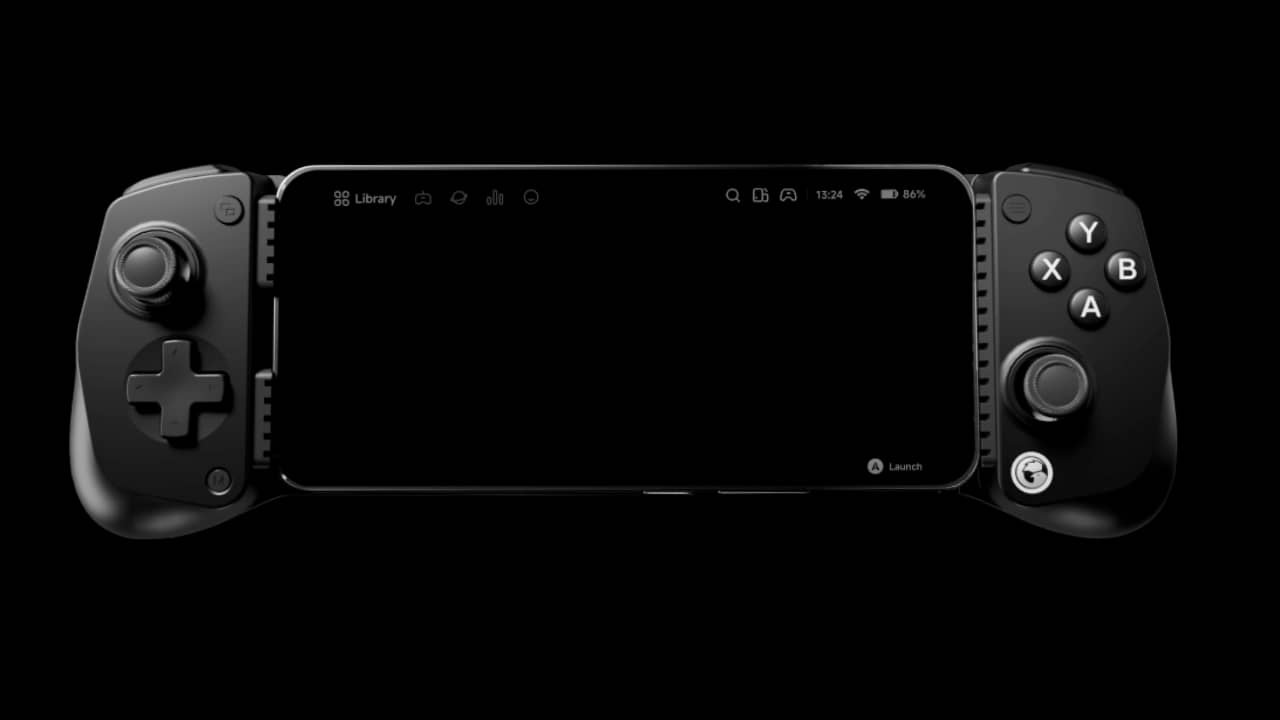
To anyone faffing about with settings, toying with the idea of playing Steam games on their Android device but never done it before, or whether you just want to travel lighter with your on-demand gaming, here’s a solution for you: GameHub.
As you might expect, I’m a gamer, what with having written over a few thousand reviews both on here and on bigger sites, but I am not a mobile gamer. I had the original Game Boy, the original PSP, and, naturally, an ever-evolving lineup of phones from when Nokia was the GOAT for Snake to my Nothing phone, where I can potentially play Neverness To Everness but ultimately don’t.
Aside from the convenience of playing the Steam Deck to review games when the fam is on the big telly, I don’t play on the go. However, an upcoming trip to Japan means I want to travel light, and the Steam Deck was a pain in the arse last time (and was overheating). So, I’ve looked into playing Steam games on my tablet, considering I use it to stream the PS5 at 120Hz.
However, I can’t rely on Moonshine or shoddy WiFi, so I looked at bringing some games on my tablet (Legion Tab Gen 3 2025 with a GameSir 8+). Launchbox has been my go-to for retro games for years, but I want to play Steam games. Having read about GameHub and all the privacy issues, I opted for GameNative, and this was the winner. Initially. It’s free, like them all, but you don’t need to log in, and it incorporates Steam, GOG, Epic and custom imports. Not those types of imports, otherwise I’ll have an R35, please.
This started well as the GameNative community is active, it’s linked to EmuReady, and there are ‘best configs’ that other users have implemented, saving you lots of time in the process. However, these didn’t work so much for me, and it turned into me tweaking settings for almost all the games. Some looked good out of the box, others needed minimal tweaks, and then I had the black screen of death, or error dialog boxes. If it’s a newer game you want to play that isn’t so demanding – like a visual novel or pixel art type, it usually works straight away. If you want to play point and click games using Scumm or similar titles through GOG, it won’t work, or it’s a one-in-a-million option.
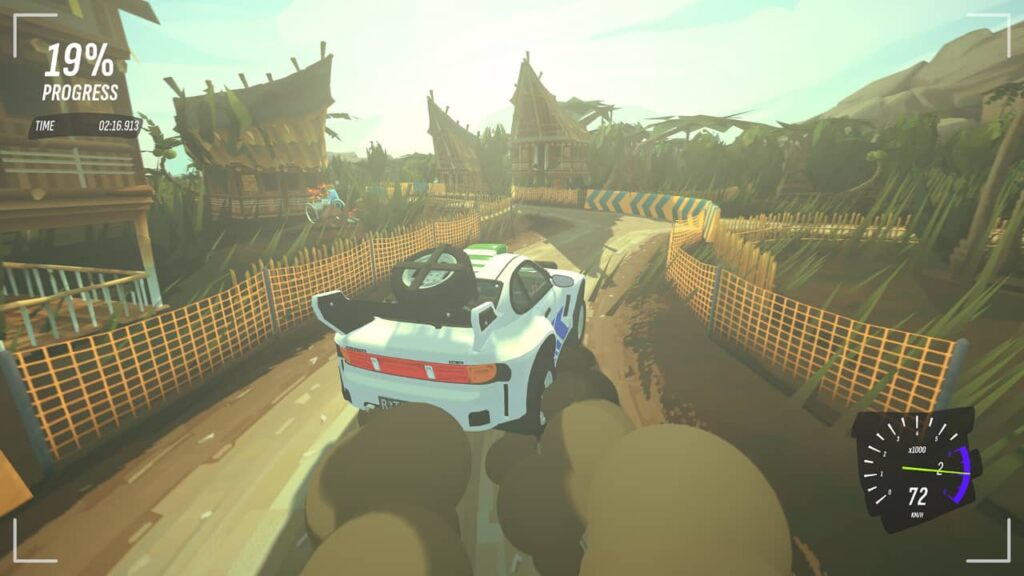
Save me going into the nitty gritty of GOG configurations, I signed out and gave up after tweaking on and off for about a week, and resigned to thinking that GOG classics are better suited on my laptop. I needed a driving game on my tablet and decided on JDM Japanese Drift Master. My wife grew increasingly irritated with the menu music through the sheer volume of restarting it again and again to get it working, but no joy. Whirlight – No Time to Trip worked beautifully with no frame drops. One Piece World Seeker (!) looked the business, but I was getting glitches with Shin Chan and simply could not get Sleeping Dogs to boot.

So, I tried Winlator, then changed my mind. Then I spend a few days starting and stopping GameHub Lite. Thinking this would dismiss all the privacy and permission settings, I couldn’t configure the latter whatsoever, and not a single game would download assets to start. Yes, I followed Reddit and have a premium VPN when I need it, but nada. That was deleted multiple times. Defeated into thinking I’ll have to take my Steam Deck, ETA Prime uploaded a brand new video about the new GameHub beta. Sod it, I have nothing to hide, China, have your permissions.
What was really interesting about GameHub is that it worked out of the box. All my games worked without issue, and the new features (which I have no comparison as never used GameHub) included HDR, scanlines (woo hoo!) and generated FPS. The latter is a numbers thing, as I found that it made playing games look like a Temu version of motion blur, which I already hate. The UI worked; I didn’t get the endless feedback prompt from GameNative asking if the game worked, and I was now exiting games because I finished playing, not because they didn’t work. The Chinese government now know what I play. So what?
However, it’s not perfect. JDM actually loaded, but at 7 – 11 FPS. No matter what I tinkered with, it wouldn’t work, so that’s fine. I recall it being a nightmare on the Steam Deck the last time I was in Japan. Additionally, I wanted to try an FPS and going through my Steam library alphabetically, Agony was installed, but would crash after the menu. To be honest, I’ve owned this game for years and played it for about 15 minutes, so no love lost. Sleeping Dogs works great, so good that I forgot to review the games that are out this week.

My tablet sometimes does feel hot, but there’s seldom any splutter. As with the Steam Deck, not all games will work and may need tweaking – some never at all, and that’s fine. This isn’t a benchmark exercise for me; I simply want to play games. I don’t care about the best settings as I have a laptop for that, I just want on-the-go gaming that isn’t streaming or requires weeks of research on forums or YouTube videos to get it working. Of course, you go down that rabbit hole of then thinking whether you actually need an AYN Odin. Again, I’m not a mobile gamer, so I have to remind myself that this is purely so I can play while travelling light.
This isn’t sponsored, I have no affiliations with anyone, let alone companies, but for me, the win has been GameHub, irrespective of the privacy and permissions concerns and whether you want to ‘stick it to the man’. I just want to play games the most efficient way, and most of all, legally. All games are from my Steam account, but I guess if you have backup copies of games you might lose in a fire, perhaps this might be a good option for that, too. Personally, I would use Launchbox with the suggested emulators, but that’s a different story altogether…
If sticking with GameNative, this is an excellent video: