AYN Thor: Time To Get Rid Of The Steam Deck?
Is that a Thor in your pocket, or are you just glad of its portability?
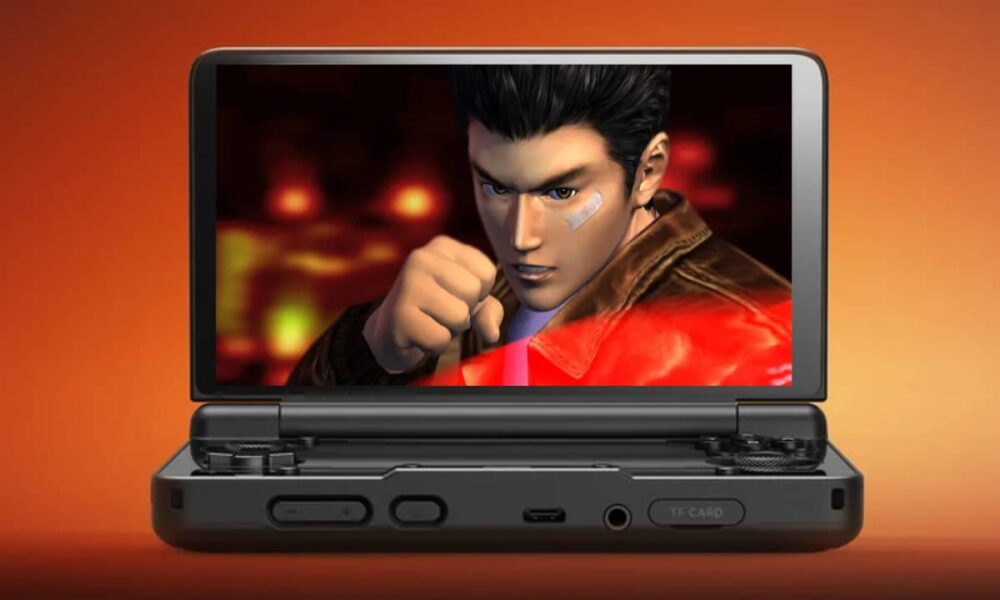
Hooray – a feature! It’s only called that as I can’t think of any other category, nor do I want to create one. This is a free-will, free-flowing ramble about the AYN Thor. I made a note to write a post about it. Why? I don’t know. Perhaps there’s someone in the gaming sphere who hasn’t heard of one and would rather read about stuff than watch videos. You relic.
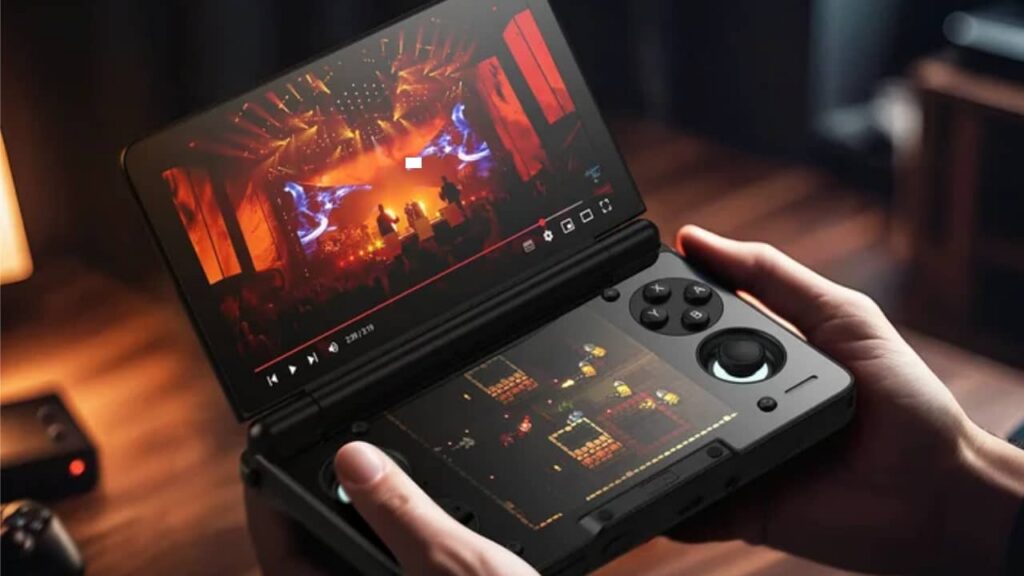
So, what is it? It’s a clamshell Android device that is a mobile phone without having a calling feature. Well, you could give it a go, but there’s no camera. Unless you want to add peripherals… look, you’re missing the point. It’s a pocket clamshell that’s like the Nintendo DS, but isn’t a Nintendo DS.
Why did I get an AYN Thor? Dunno. I’ve always been a bit anti-handheld, and despite owning an original Game Boy with Tetris and Navy SEALs (that’s it), and a PSP when I moved to Japan as I didn’t have anything to play, then convincing the missus it was ok for me to buy an Xbox 360, I’ve never really got them and found them anti-social. You can play your PC/console at home – outside is for other endeavours.
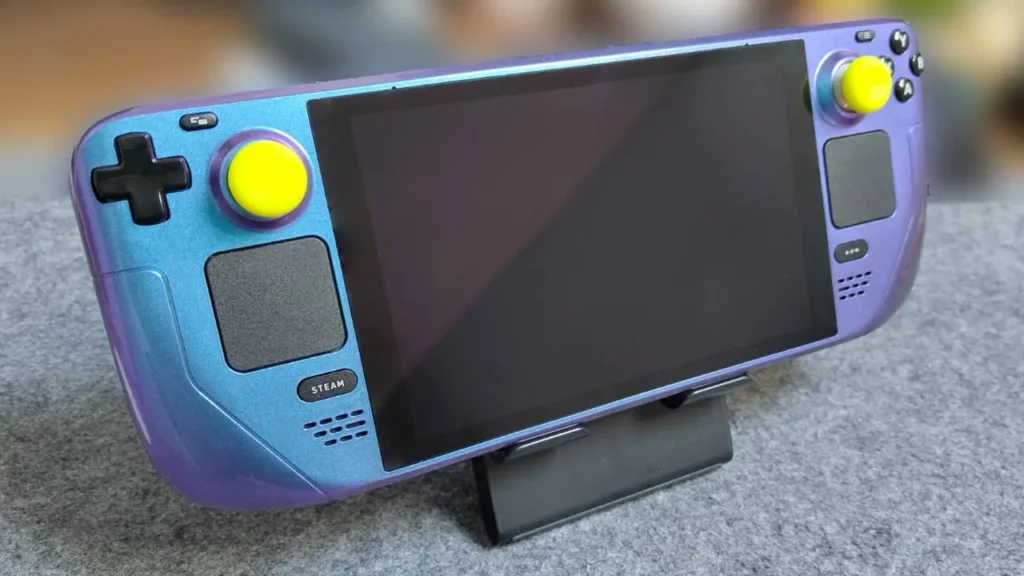
Anyway, I have a Steam Deck and would do about 80% of my reviews on it out of convenience. Later, I installed Moonlight and streamed from my laptop, then further extended that to playing the PS5 through it. Which was good. However, with a trip to Japan in the Summer, I didn’t want to carry my Steam Deck about, as it wasn’t portable enough on the plane, bullet train or subtle enough at the in-laws’.
Take Your Tablet
My tablet was the original plan, using GameHub. It worked, but I dunno… it didn’t resonate so much. I don’t exactly know how I went into that rabbit hole of the AYN Thor, but once I did, I had to have one. I ordered it, and it came about four days before my trip (with an approximate two-month wait). On this note, if you have ordered one, I recommend installing Discord and bookmarking AYN’s dashboard for a loose idea of when it’ll come. Also install the Shop app on your phone as this has the tracking info and will notify you when it’s been despatched.
Summing up the waffle above, I essentially got it to ‘replace’ my Steam Deck by playing PC games natively, or streaming via Moonlight.
In the build-up to receiving my AYN Thor, I consumed a ton of videos, Reddit feeds and random articles. In my opinion, there were four main sources that gave insight into how I would use it, and they were all YouTube channels. The first, for reference and setup (which I looked at after setting up), was Retro Game Corps, Joey’s Retro Handhelds for further setups and easier-to-digest videos; Graves, as I just like his stuff; and, more recently, RetroPup. My favourite retro handheld channel, however, is TechDweeb, and I watch for fun and the occasional recommendations.
Having Some Front (End)
I downloaded RetroHrai and Coocoon as my main launchers, as I didn’t like the standard Odin Launcher. Reading others’ opinions prevented me from forming my own, and the consensus was Cocoon, and that iisu was too early in its build and not worth it. Again, my aim for the AYN Thor was to play Steam games, so I opted for GameHub and GameNative as a backup.
What Switch games did I add? I have a Switch 2 and 800+ (legit) games, be it review titles or those I’ve purchased. I don’t need another machine. Besides, my daughter was carrying the Switch 2 on the trip – she can do the heavy lifting. Didn’t stop me from adding a ton of games (which I never played).
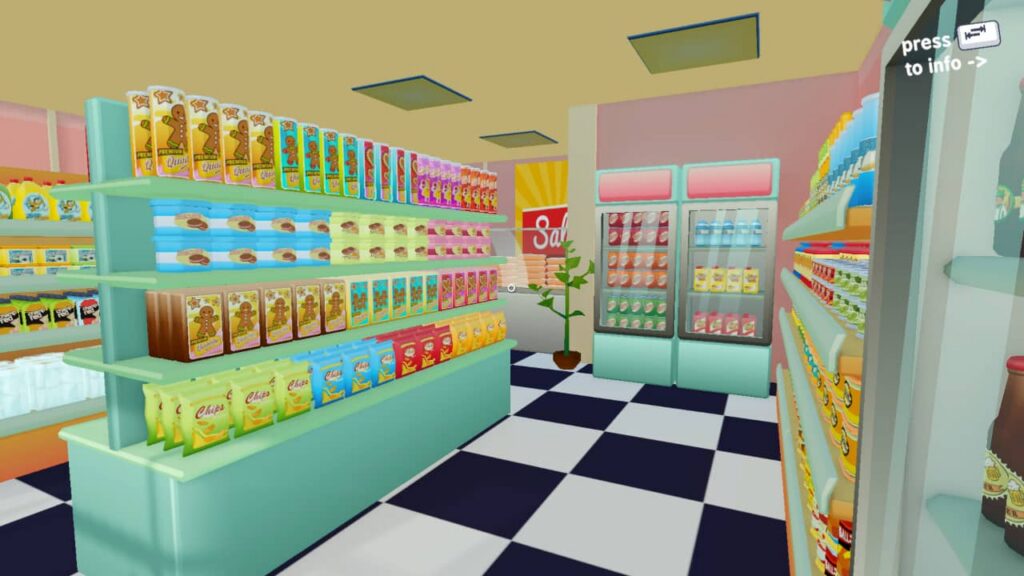
After spending hours and hours mucking around with the scraping, switching the Xbox/Switch button configurations back and forth, I was good to go. I had 80% of my games on GameNative, which surprised me as I’d once again been influenced by other opinions that it was the most effective bit of kit. Having returned from Japan, I ended up doing a fair amount of my reviews in that month on the AYN Thor (Ikarus, Sephiria, Tidy Mart and Talespinner), and that was courtesy of GameNative.
While GameHub and GameHub Lite had a couple of configurations that worked where GameNative didn’t, the latter got an update during my holiday and rendered the other two useless, so I have since uninstalled these apps. You can perhaps disregard my previous article. I’ve grown somewhat since then.
So, the AYN Thor was pretty good and played the games I wanted to play. Granted, they were predominantly indie games and low specs. JDM wasn’t having any of it, which is why the Thor could never replace my Steam Deck. Though via Moonlight…? So yeah, it was great. I did find the temperatures getting hot – not through monitoring, but through burning fingertips and warmer testicles. The short of it was I installed ClusterTune and predominantly ran it on medium to large underclock. Very occasionally, I would change it to stock when not playing anything taxing. I also adjusted the fans through a RetroPup short.
Since returning to the UK, I find that I am now predominantly using the Thor for anything but PC gaming. As it’s an Android device, I have installed several apps I use on my phone, such as language apps, Netflix, and web browsing. I have since swapped out the frontend and am playing retro games exclusively for short bursts at a time. This is no reflection on the AYN Thor – I still love it, but don’t have much time, and have returned to my laptop for PC reviews.
NeoStation: The One?
Going back to YouTubers, I watched a video by RetroPup that reiterated how good NeoStation was (he’s Community Manager and has done some dev work on it for clarity). I don’t know him, nor affiliated, but I liked his approach and decided to give it another try. Besides being locked into Screenscraper (I have an account) and not liking the font(!), this is my favourite frontend, and I am so close to using this as my default launcher.
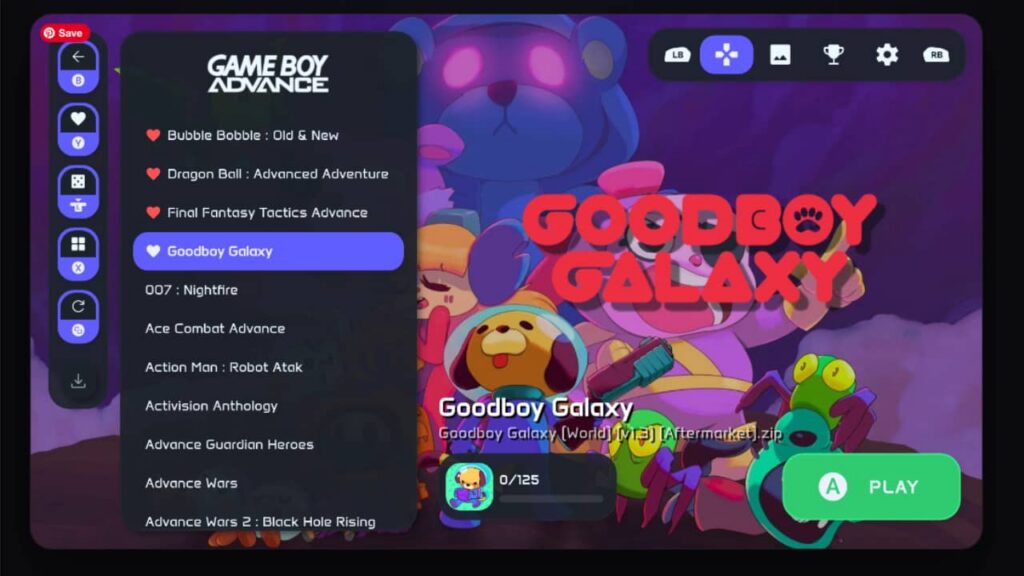
There are several selling points. First, there’s no faffing about. Scraping and customising game collections is arduous and quite honestly pointless. We get obsessive and spend more time customising and fiddling with settings rather than playing with games. I remember walking the streets of Dobuita in Shenmue with enough time to stop at the vending machines, or spunk my money on gacha-gacha, not working out which emulator works best (it’s Redream), or what thumbnail would make the experience better.
Frontends are to collate everything in one place and for it to work. Despite the arguments against it, iisu is excellent, and I was using that the whole time I was in Japan. Cocoon, while aesthetically pleasing, conflicted with what I wanted to do, and 3.0, which has some great built-in apps, isn’t for me. iisu also freezes a lot and renders some of my game saves obsolete, so I needed something that worked.
NeoStation works, and it’s continually updated. I find I’m actually playing games, and with the second screen, I can launch apps while playing a game without using gestures. My browser, shortcut to files, GameNative (as I haven’t set it up with NeoStation yet), and recently Pixel Guide.
In addition to working, having quick access to my apps, and looking clean, NeoStation can be installed on any device so you can link them together. So, if you play a game on your PC, you can sync with your AYN Thor or mobile, and there’s the option for sharing saved games, accessing your ROMs (if you have them) all in one place, as well as RetroAchievements – which I don’t use. Honestly, it’s currently the best front end for me, though I’m hopeful it’ll include SteamGridDB for scraping, and the option to change the font. Nothing special, just two or three to pick from that aren’t novelty.
Will The AYN Thor Replace My Steam Deck?
Where do I go from here? Retro games and studying are currently my thing with the AYN Thor at the moment, and while in Japan, I bought half a dozen stylus pens from the 100 yen stores. They work perfectly, are accurate, keep your screen smudge-free, and they’re stupidly cheap in comparison to the official one and similiar pens.
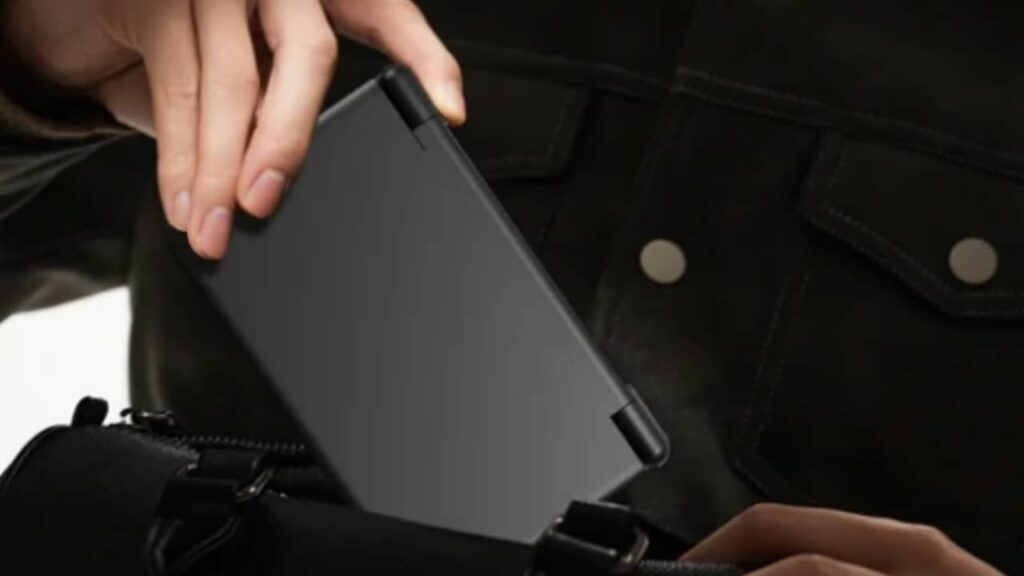
I bought the clear shell, which is great, and the screen protectors. I contemplated the grip at first but don’t play it long enough to need it. Also, I got it for portability and can genuinely put it in my jeans pocket comfortably without looking like an utter pleb. My Thor is the white one. Black is cool but a fingerprint haven; I didn’t like the purple at all, and everyone has the rainbow edition. I might regret the white if it yellows, but I have three Dreamcasts and an original NES that has zero discolouration.
Based on its popularity, perhaps we’ll get an AYN Thor 2 next year with better stats? Aside from being able to play more demanding PC titles and, arguably, PS3 emulation, the current iteration does all you need. You could opt for the Odin 3, but I went for the Thor, not because I’m a former DS user (did you read any of this article?), but instead because I really like the clamshell as it protects the screen. I even updated my phone to a Motorola RAZR so I could have matching clamshells.
Oh yes, a few paragraphs ago… I’m keeping my Steam Deck for the majority of my PC games that’ll work, using the laptop for reviews, and the Thor for light PC games, retro, and the odd Android app. I intend to customise the buttons and perhaps the joysticks. The LED lights are cool, but for battery purposes, leave them off, so no need to do anything else. If I were to get buttons, it’d be via Sakura Retro Mod Buttons on Etsy. As good as they are, I need to justify Etsy prices like everyone else.
I did say this would be a freewill, free-flowing ramble, and it certainly has been! Is this a feature or just a blog post? Regardless, I hope there’s been something useful for you here that you can use, or maybe it’s passing the time until your AYN Thor arrives.
For those who aren’t interested in the above, I’ve made the following. Again, hope some of it was useful, and thanks for reading.
Quick Links
AYN’s website – (you can order from AliExpress, too, but the dashboard and Discord support can only be advised on the official site.
YouTube channels
- Retro Game Corps – this links to the AYN Thor starter guide
- Joey’s Retro Handhelds – another starter guide
- RetroPup – link to the NeoStation video
- Graves – great coverage of new drivers and front ends
- TechDweeb – because…
Apps
The consensus is to run Obtanium. I didn’t see it until later, so I don’t use it. Most swear by it, but I used a mixture of GitHub and the Play Store(!) as my go-tos. There’s that thing I’m not all too sure about: Google locking down APKs, so I didn’t want the hassle.
Also, I’m not going to discuss emulators, though I would say that I’ve gone against the grain and am quite frustrated with RetroArch. I used MAME4droid and Redream as standalones.
- GameNative – Best for PC games via Steam, Epic, Amazon and GOG (couldn’t get the latter working for my point and click games, however)
- GameHub/GameHub Lite – A necessary evil and has some good features if the above doesn’t work. Setting Steam to offline fixes it when the loading screen hangs
- ClusterTune – lower temps, etc.
- Megingiard – hangs/crashes; however, it turns the second screen into a touchpad, keyboard, mouse, and you can crop from the main screen – perfect for games that use a live world map/racing circuit
- Pixel Guide – download FAQs, guides and walkthroughs on your second screen
- PlayTranslate – haven’t had enough time to use it, but real-time translations of non-English titles
- Moonlight – don’t use Steam Link. Pair with your PC, and this is ace. Artemis is also an option
- Thor Wayfinder – installed this last week. Enables hotkeys to access/close apps and to swap screens
- Flip Clock – not necessary, but I use this on the second screen when playing a game. The built-in clock on the AYN Thor is ugly
- Steam Shortcut Generator – creates text files to add to front ends to link to GameNative/GameHub
- Mimir – developed by RetroPup. I haven’t used it yet, but great tool for conversions such as CHD if you need it (I currently don’t)
- JamesDSP – I still haven’t done this. Improves your Thor’s audio. One of the YouTubers recommended will have a vid
Front Ends
- NeoStation – My current go-to. BTW, if running on PC, make sure you run as administrator or it won’t load
- iisu – Great features, looks the business, but freezes, can corrupt savegames and slow updates
- Cocoon – Again, looks great, and most folks’ go-to
- RetroHrai – Great frontend, can’t really say much wrong with it – I just currently prefer NeoStation